
Increase reach of your posts
Turn plain screenshots into polished, scroll-stopping visuals that get more clicks.
Trusted and featured on







How it works?
Upload screenshot
Drop in your image and start with a clean canvas.
Beautify instantly
Add spacing, padding, background, and polish in one flow.
Publish with confidence
Ship visuals that look premium and scroll-stopping.
Drag the divider to compare the transformation.
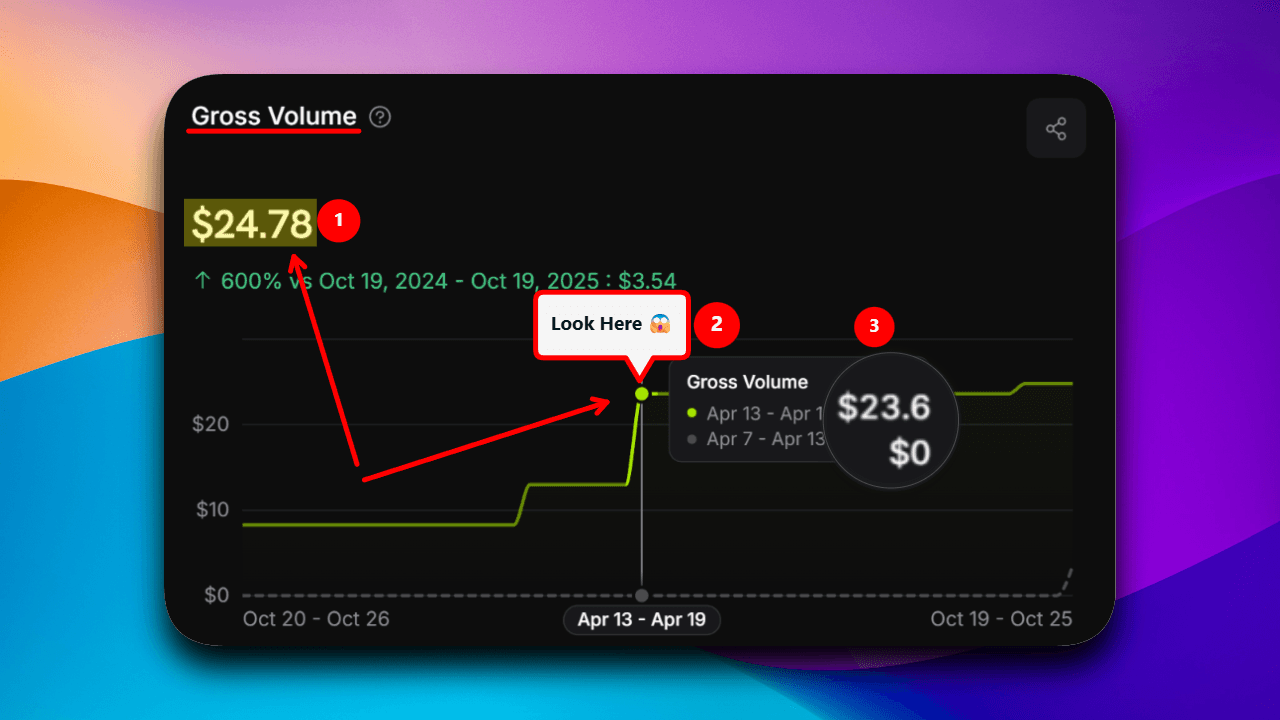
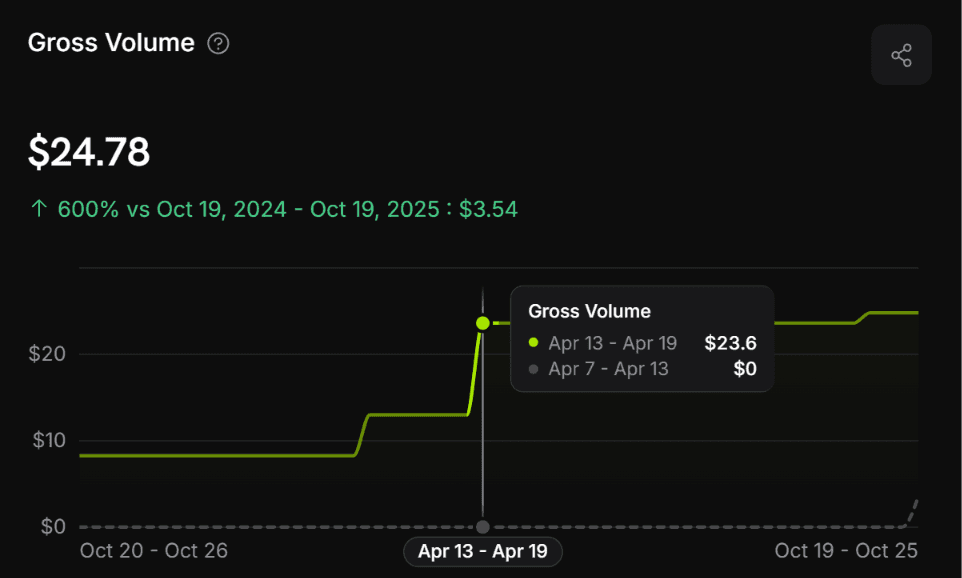
See it in action
Built because existing tools felt wrong
Built with you
Help decide what we build next.
Have an idea that would make your screenshots even better? Submit a feature request, explain why it matters, and vote on ideas from the community. The most-wanted improvements rise to the top.
One-time pricing
Cheaper than
wasting hours
editing screenshots
Pay once. Use forever. No subscriptions. No hidden limits.
Lifetime Access
One-time payment
- ✓Unlimited exports
- ✓No watermark
- ✓Custom backgrounds
- ✓All premium presets
- ✓Future updates included
Launch pricing $7 — will increase later to $17 soon.
Free Plan
Try it first
5 exports/month with watermark.
Questions? Answers.
Why use this tool?
Raw screenshots look basic. Better visuals = more attention, more clicks.
What does “custom background image upload” mean?
You can upload your screenshot in both plans. The background image is the decorative layer behind it. Free users can only pick preset backgrounds; paid users can upload their own background image too.
What if I need more features?
Share feedback. If it helps most users, it gets built fast.
Is this a subscription?
No. Pay once. Use forever.
Will this slow me down?
Opposite. It removes friction and saves time.